
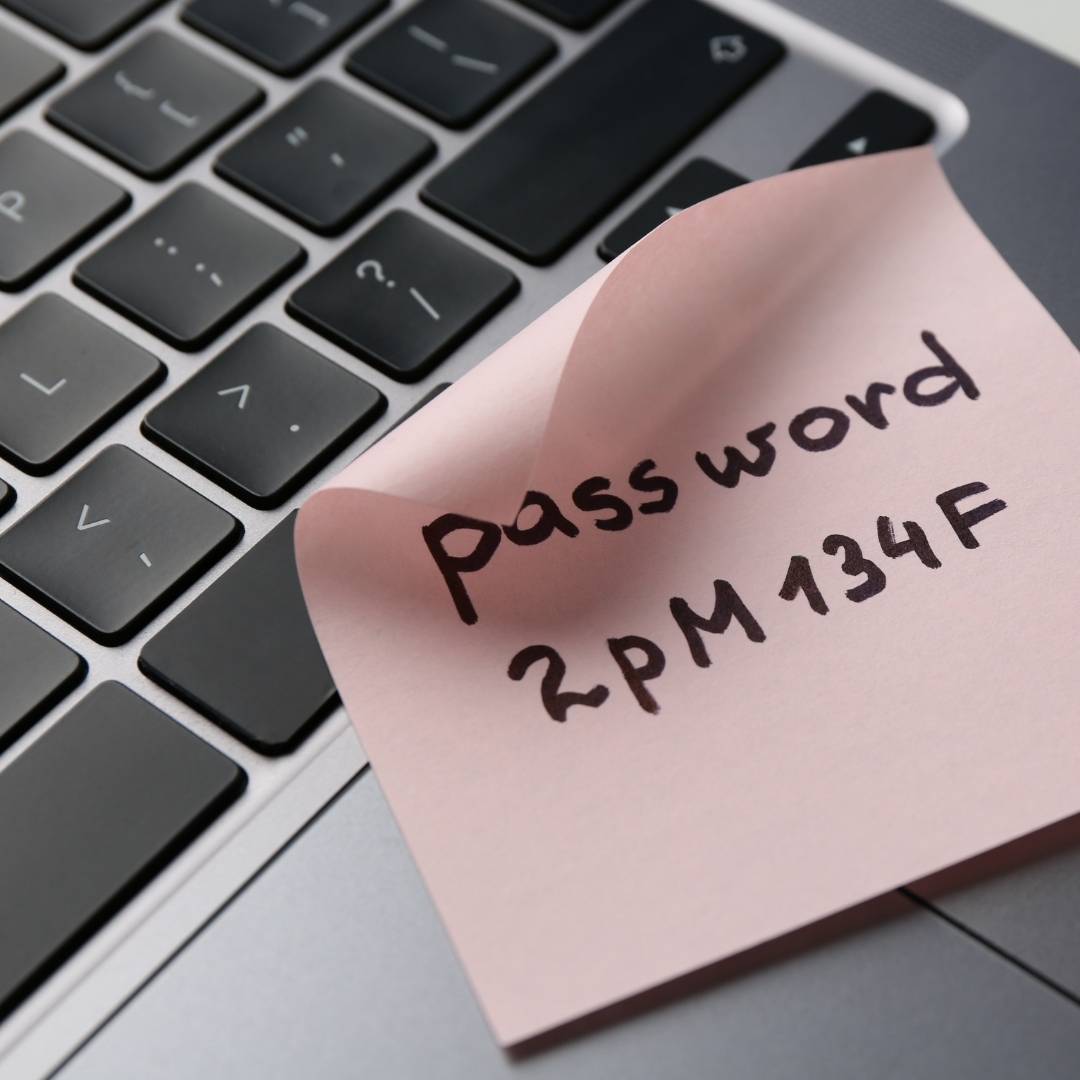
It’s no surprise that many people take shortcuts. They reuse the same password across multiple accounts or make only small changes from one password to the next. Unfortunately, that’s exactly what cybercriminals hope you’ll do. The good news? Creating strong passwords doesn’t have to be difficult… or impossible to remember.
Think in Passphrases, Not Passwords
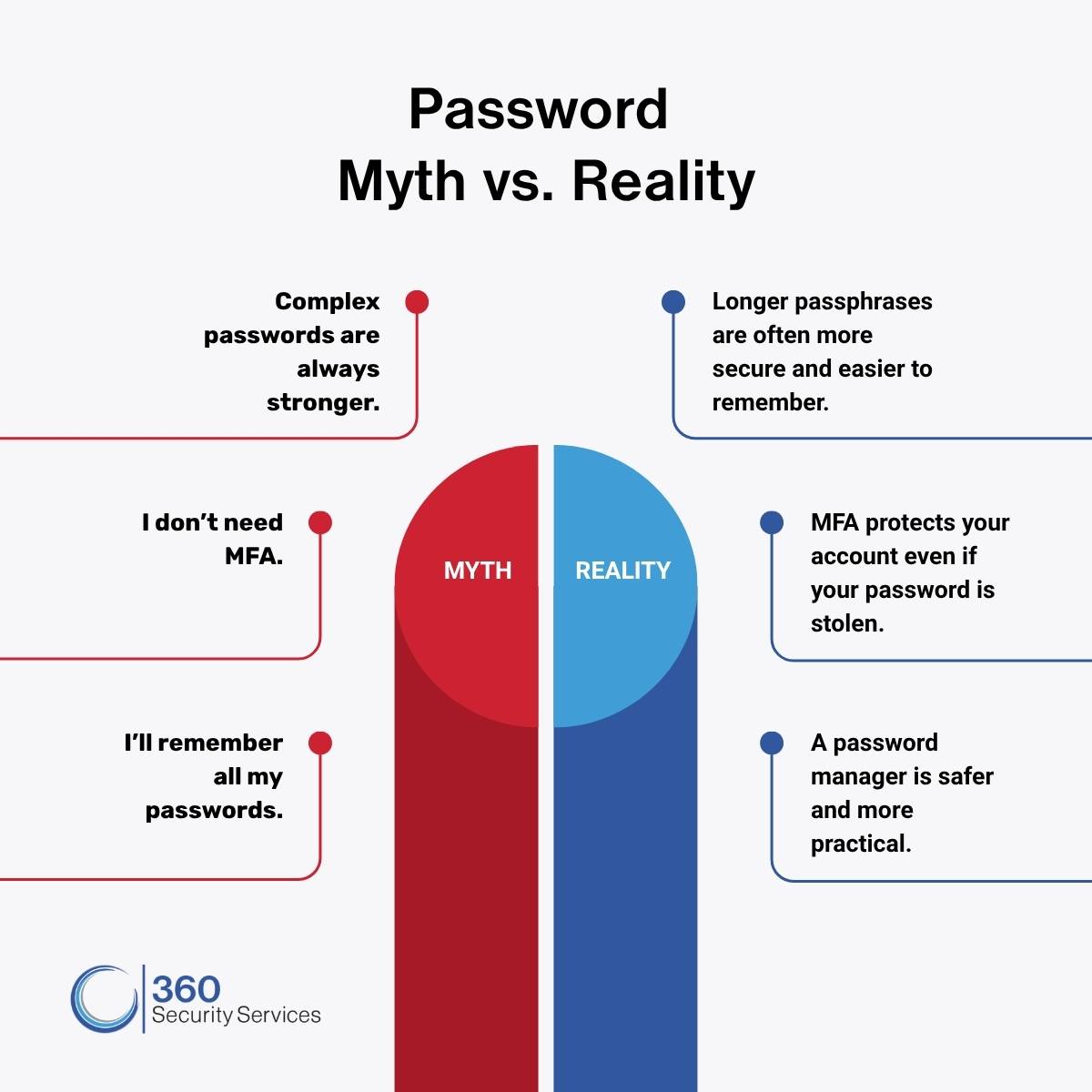
One of the easiest ways to create a stronger password is to stop thinking about individual words and start thinking about phrases. Instead of creating passwords like Summer2026!, think in terms of long passphrases made up of several unrelated words. For example, a combination like MarbleTelescopeCactusLantern is generally much stronger than a short password with predictable substitutions. (Just don’t use this exact example—create one that’s unique to you.) A longer passphrase like this is significantly harder for attackers to guess than a short, complex password. The best passphrases are long, unique, and made up of several unrelated words. Avoid names, dates, common expressions, song lyrics, and personal information someone could discover about you.
Every Account Needs Its Own Password
Imagine using the same key for your house, your office, your car, and your safe. If someone copied that key, they’d have access to everything. The same principle applies to passwords. If one website experiences a data breach and you’ve reused that password elsewhere, attackers will often try the same login credentials across dozens of other sites. This is known as credential stuffing, and it’s one of the most common ways accounts are compromised. Using a unique password for every account dramatically reduces that risk.
Not sure where to start? The graphic below highlights a few common password myths, and the realities that can help you better protect your accounts.
Let a Password Manager Do the Heavy Lifting
Trying to remember dozens of unique passwords isn’t realistic. That’s where password managers come in. A password manager securely stores your passwords and can generate strong, unique passwords for every account. Instead of remembering dozens of passwords, you generally need to protect one strong master credential. Secure the password manager itself with MFA or a passkey, and store its recovery information in a safe location. Many password managers also alert you if one of your saved passwords has appeared in a known data breach, giving you the opportunity to update it quickly. Keeper (which we use at 360 Security Services) is one example of a business-grade password manager.
Turn on Multi-Factor Authentication (MFA)
Even the strongest password benefits from an extra layer of protection. Multi-factor authentication requires a second form of verification, such as a code sent to your phone, an authentication app, or a security key, before someone can access your account. That means even if your password is compromised, an attacker is much less likely to gain access. Whenever MFA is available, enable it. It’s one of the simplest and most effective ways to improve your account security.
Update Passwords That Matter Most
Not every account carries the same level of risk. If you’re looking for a place to start, focus on updating the passwords for accounts that protect your most sensitive information, including:
- Email accounts
- Banking and financial services
- Healthcare portals
- Work accounts
- Cloud storage
- Shopping accounts with saved payment methods
Securing these accounts first provides the greatest benefit.
Good Security Is Built One Habit at a Time
Strong cybersecurity isn’t built around one perfect password. It’s built on consistent habits. Choosing longer passphrases, using unique passwords for every account, enabling multi-factor authentication, and relying on a password manager are all simple steps that significantly reduce your risk.
You don’t have to be a cybersecurity expert to protect yourself. You just need to make it a little harder for attackers than it is for everyone else.
Protecting Passwords Is Just One Piece of the Puzzle
Passwords are often the first line of defense, but they’re only one piece of a much larger cybersecurity strategy. Organizations also need employees who understand how everyday decisions, from creating strong passwords to recognizing phishing attempts, help protect sensitive information.
At 360 Security Services, we help organizations strengthen their security posture through cybersecurity services, employee training, and proactive risk management. Ready to strengthen your organization’s first line of defense? Let’s talk.