
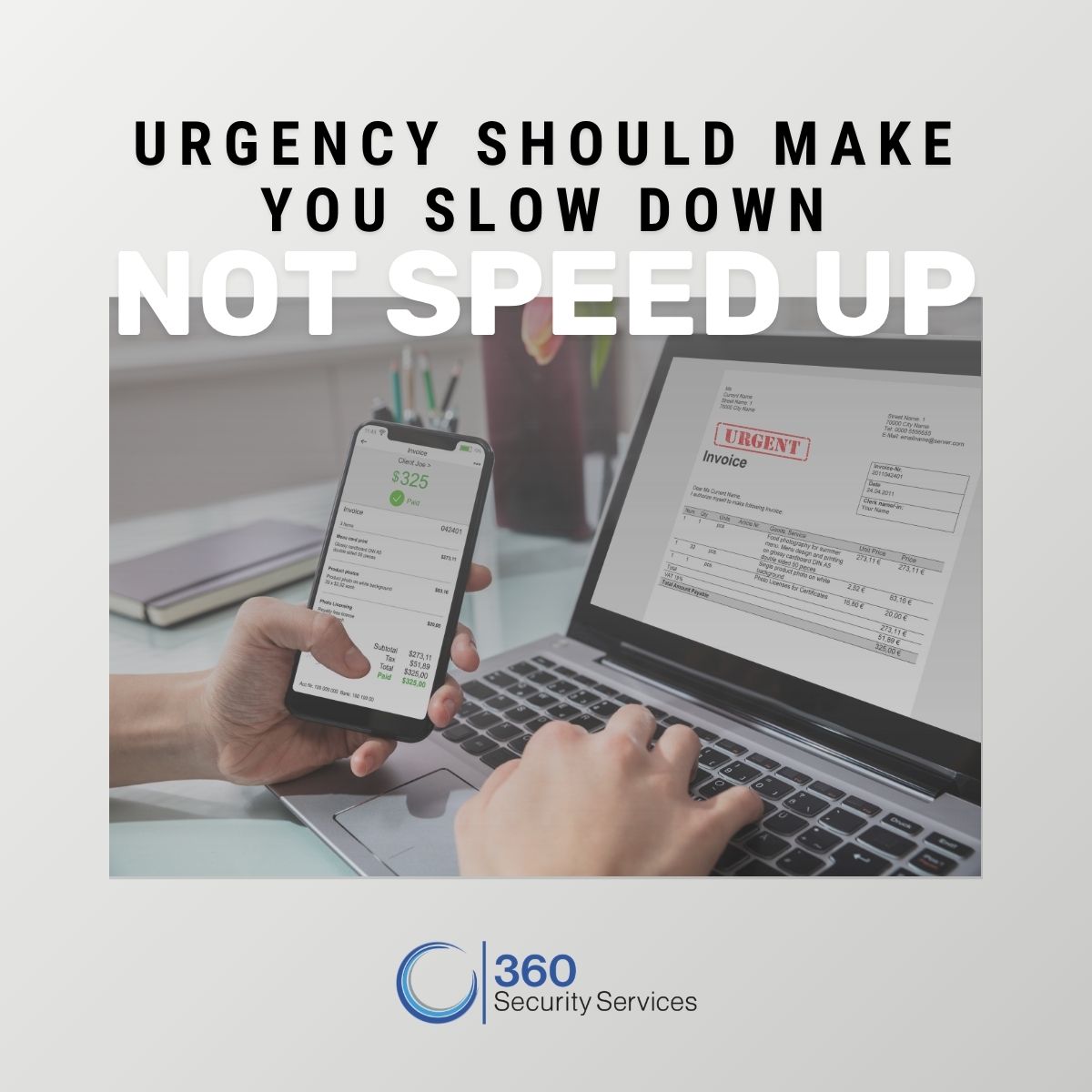
An invoice lands in your inbox. The company name looks familiar. The logo looks right. There’s an invoice number, an amount due, and a link or attachment with additional details. Maybe there’s even a note letting you know the payment is overdue. Do you pay it?
Before you click the link, open the attachment, or send payment, take a second look. What appears to be a routine invoice could actually be a phishing attempt designed to steal credentials, install malware, or convince you to send money to the wrong place. As phishing attempts become more convincing, spotting the difference isn’t always as easy as looking for a misspelled word or suspicious logo.
Why Fake Invoices Work
Think about how many invoices, receipts, renewal notices, payment confirmations, and account notifications arrive in the average inbox. For some employees, invoices may be part of their everyday routine. That familiarity is exactly what can make invoice phishing effective. Attackers don’t necessarily need you to believe an elaborate story. They need an email to look legitimate enough that you act before questioning it. An unexpected invoice might claim:
- A payment is overdue
- An account or subscription is about to be suspended
- Banking information has changed
- A vendor needs payment immediately
- An attached invoice needs to be reviewed
- A recent purchase needs to be confirmed
- Payment details need to be updated
The message may even appear to come from a company or vendor you recognize.
A Professional-Looking Email Isn’t Proof
Phishing emails have come a long way from the poorly written messages many of us learned to recognize years ago. A polished email can still be fraudulent. Logos can be copied, email templates can be recreated, and websites can be designed to closely resemble legitimate payment portals. Even sender names can be manipulated to look familiar and because of how much information is public, it can help attackers make messages more specific and believable.
That’s why the question shouldn’t simply be, “Does this look real?” It should be, “Does this make sense?” Were you expecting this invoice? Consider whether this is someone who normally sends you invoices. Is the amount consistent with what you expected? Any unexpected change to the normal payment process should also raise a flag. Sometimes context is the biggest red flag.
Before You Pay, Stop and Verify
A few extra seconds can make a significant difference. Before responding to an invoice or payment request, consider:
- Were you expecting it? An unexpected invoice deserves additional scrutiny.
- Does the sender’s email address match? Look beyond the display name and check the actual address.
- Is there unusual urgency? Requests demanding immediate action or threatening consequences are worth slowing down for.
- Have payment instructions changed? A sudden change in bank account or wire information should always be independently verified.
- Does the link go where you expect? Hover over links when possible and look closely at the destination before clicking.
- Is the attachment expected? Don’t open an attachment simply because it appears to be an invoice.
- Does anything feel slightly different? Changes in tone, process, contact information, or formatting can all be reasons to verify.
Most importantly, if you’re unsure, verify the request through a trusted channel you already have. If an email claims to be from a vendor you’ve worked with for years, call your established contact using the phone number already in your records. Don’t rely on the contact information included in the questionable email itself.
Changed Payment Instructions Deserve Extra Attention
One scenario deserves particular caution: a familiar vendor suddenly asking you to send payment somewhere new. The email may look completely legitimate. It may reference a real company, a real invoice, or even people you regularly work with. But a request to change banking or payment information should never be treated as a routine update. Organizations should have a defined process for independently verifying changes to payment instructions before money is transferred. That might include verbal confirmation with a known contact, secondary approval, or another internal verification step. The goal isn’t to make paying an invoice unnecessarily difficult. It’s to make it harder for one convincing email to redirect a legitimate payment into the wrong hands.
Technology Helps. People Still Matter.
Email filters and other cybersecurity tools can stop many malicious messages before they ever reach an employee’s inbox, but no technology catches everything. Employees are still an important part of an organization’s defense, which means they need to know what suspicious requests can look like and what they’re expected to do when something doesn’t seem right.
Training shouldn’t be limited to an annual presentation employees click through and forget. Have you heard us say this before? It’s because we mean it! Training can make a world of difference. Periodic phishing simulations can give organizations a better understanding of how employees respond to realistic scenarios. The results can show whether employees clicked, provided information or reported the message, while also identifying departments that may need additional support.
The purpose isn’t to catch employees doing something wrong. It’s to identify where additional education may be needed and reinforce good habits before someone encounters the real thing.
Make Verification Part of the Process
The strongest defense against invoice phishing isn’t asking employees to become experts at identifying every fraudulent email. It’s creating an environment where slowing down and verifying something unusual is part of the process.
Employees should know how to report a suspicious message. Finance teams should have clear procedures for payment changes. Managers should reinforce that taking an extra minute to verify an unusual request is preferable to acting quickly because an email says something is urgent.
Sometimes the most convincing phishing attempts don’t look suspicious at all. In fact, they look like another item on your to-do list. So before you pay that invoice, open that attachment, or update those banking details, take a second look. A few moments of verification could prevent a much bigger problem.
At 360 Security Services, we help organizations strengthen their cybersecurity posture through practical safeguards, employee awareness, and processes designed to reduce everyday risk. From evaluating vulnerabilities to helping organizations identify where additional training may be needed, we help make cybersecurity part of how your organization operates, not just something you think about after an incident. Could one convincing email get through your defenses? Let’s talk.