
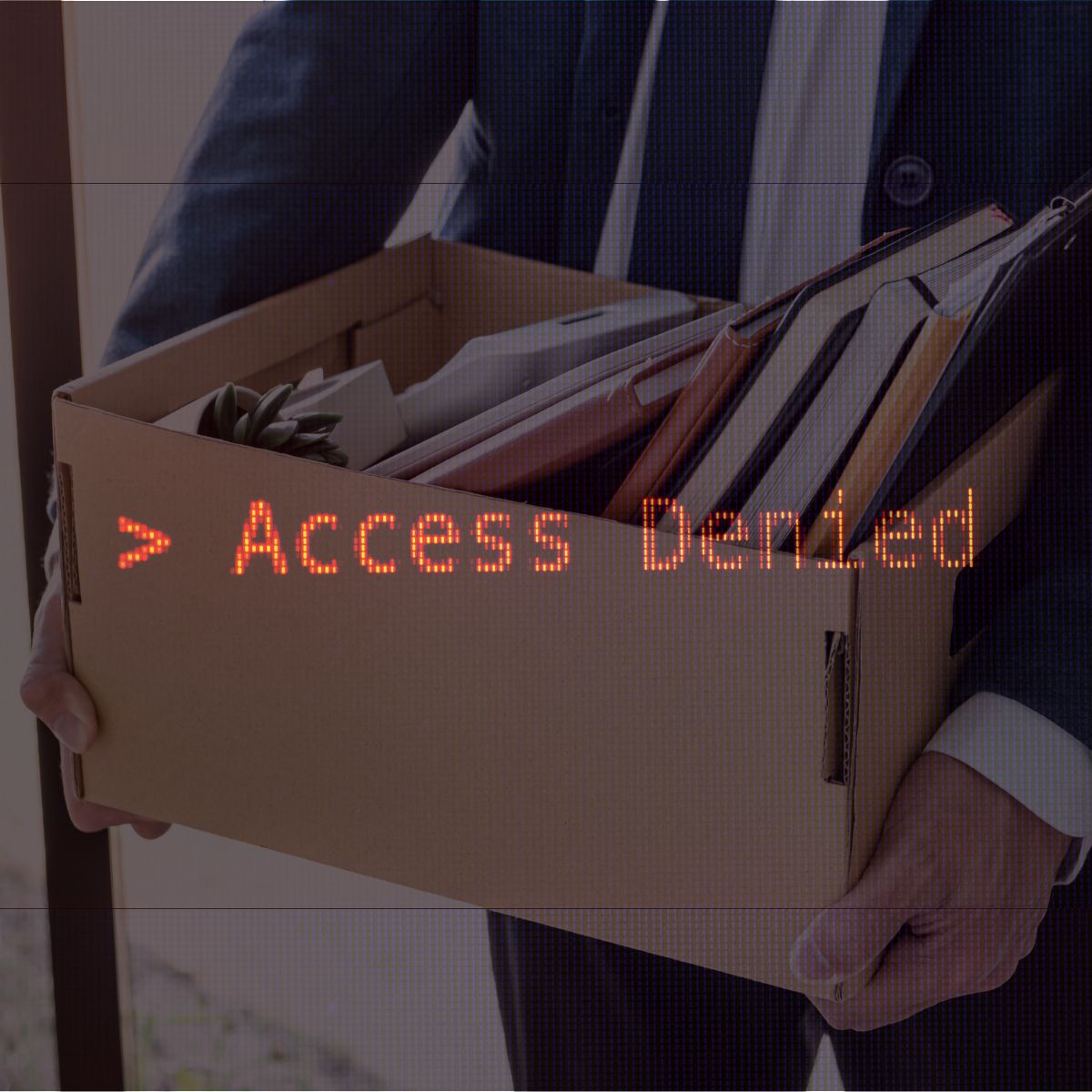
When a new employee starts, there’s usually a process for getting them up and running. They’re given an email account, access to the network, building credentials, software logins, shared files, and whatever other systems they need to do their job. But that access rarely stays the same.
Over time, employees take on new responsibilities. They’re added to platforms, given access to vendor or customer portals, included in shared accounts, granted administrative permissions, or provided access to new areas of a building. Five years later, the list of systems they can access may look very different from the one they were given on day one. Then they leave.
Does your organization have an “easy button” that immediately shuts off everything they can access? For many companies, the answer is no. Instead, removing access may require action across IT, HR, security, facilities, finance, individual departments, and even third-party vendors. And that raises an important question: Whose job is it to make sure nothing gets missed?
Access Adds Up. Removing It Takes Coordination.
Disabling an employee’s primary network account may take care of several connected systems, but it doesn’t necessarily eliminate every form of access they’ve accumulated. There may still be cloud applications, shared accounts, VPN credentials, vendor platforms, physical badges, alarm codes, administrative permissions, or systems managed outside of IT.
That’s why effective offboarding requires more than simply telling IT that an employee has left. Organizations need a clear process for identifying everywhere that person had access, who is responsible for removing it, and who verifies that it was actually done. A strong offboarding process clearly establishes those responsibilities and when each step needs to happen. Depending on the employee’s role, that may include:
- Disabling company email and network credentials
- Removing access to cloud-based applications and software platforms
- Revoking VPN and other remote-access permissions
- Removing access to shared drives, files, and databases
- Reviewing administrative or elevated permissions
- Removing access to customer and vendor portals
- Changing shared passwords or credentials the employee knew
- Removing the employee from MFA or authentication systems
- Collecting laptops, phones, tablets, and other company devices
- Deactivating badges, key cards, and building access
- Collecting physical keys
- Updating alarm or security codes when appropriate
- Removing purchasing authority or company credit card access
- Transferring ownership of important files, accounts, or business processes
Not every item will apply to every employee. The important part is having a consistent process for determining what does and confirming each step has actually been completed.
Don’t Forget the Accounts Outside of IT
Some of the easiest access to overlook may not be managed directly by an organization’s IT department. An employee might have been given access to a vendor portal, social media account, building management system, shared marketing platform, financial account, industry database, or another third-party service. There may also be systems that were created or purchased directly by a department without going through IT. This is where a good offboarding checklist becomes particularly valuable. Rather than asking, “What accounts do we remember this person having?” organizations should have a way to understand what access exists before a departure happens.
Physical Access Matters, Too
Digital access often gets the most attention during offboarding, but physical access shouldn’t be overlooked. Collecting an employee’s badge is a good start, but simply having the physical card back doesn’t necessarily mean the credentials associated with it have been deactivated.
The same applies to keys, parking access, alarm codes, restricted areas, equipment rooms, server rooms, storage areas, and other physical spaces. Organizations should understand exactly what physical access each role requires and have a process for removing it when that access is no longer necessary.
Timing Matters
Access removal shouldn’t be something that happens eventually. Organizations should establish when access will be disabled based on the circumstances of the departure and ensure the appropriate people are prepared to act at that time. For a planned departure, that coordination can often happen in advance. For an unexpected or involuntary departure, HR, IT, security, and management may need to coordinate more closely so access changes occur at the appropriate time. The goal is simple: once someone no longer needs access to perform their job, that access shouldn’t remain active unnecessarily.
It’s Not About Trust
It’s important to remember that removing access isn’t an accusation. An employee may leave on excellent terms after years of great work. Their departure may be completely routine. Their access should still be removed. Unused accounts and unnecessary permissions create risk regardless of who previously held them. Accounts can be compromised. Credentials can be exposed. Old permissions can be forgotten. And months later, no one may remember why an inactive account still has access to sensitive systems. Consistent offboarding protects both the organization and the people who have worked there.
The Best Time to Build the Checklist Is Before You Need It
If an employee left tomorrow, would your organization know exactly what needed to be turned off, returned, transferred, or changed? And just as importantly, who would confirm that every item was actually completed?
A strong employee offboarding process shouldn’t depend on someone’s memory or a last-minute email to IT. It should be documented, repeatable, and coordinated across the teams responsible for protecting your people, systems, information, and facilities. Because when an employee leaves, the final item on the checklist shouldn’t simply be that they’ve walked out the door. Their access should leave with them.
At 360 Security Services, we help organizations identify gaps that can leave former employees with access to systems, information, or facilities long after they’ve left. From reviewing access controls to strengthening offboarding processes, we can help make sure that when an employee leaves, their access leaves with them. Is your offboarding process covering everything it should? Let’s talk.